


1 of 2
01
Recreate a thumbnail you like
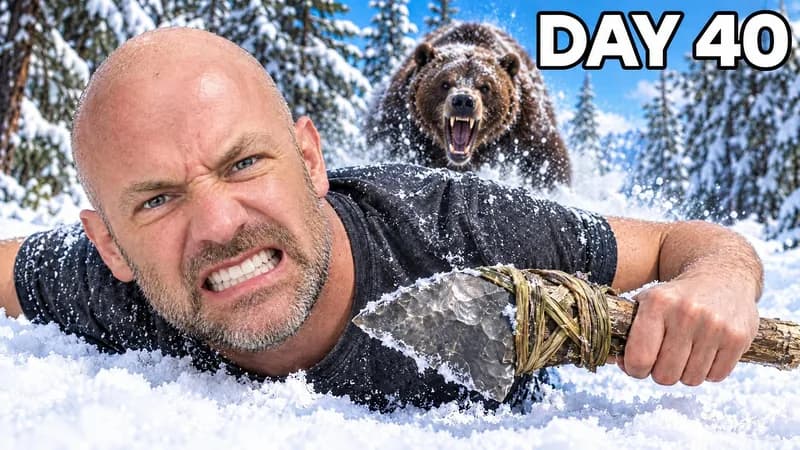
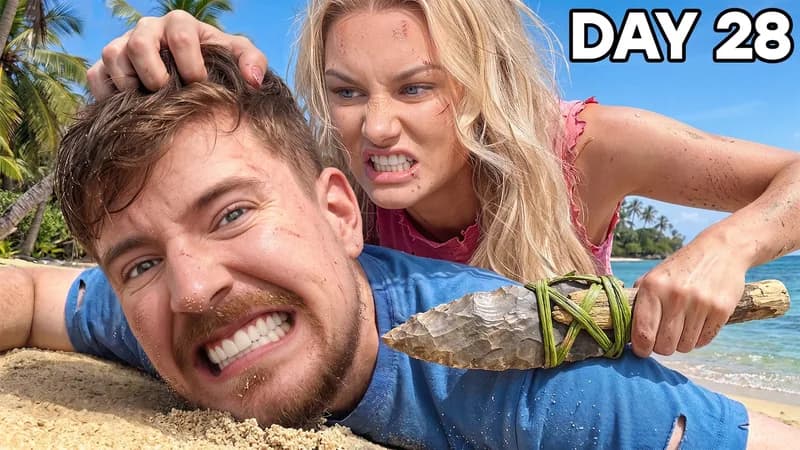
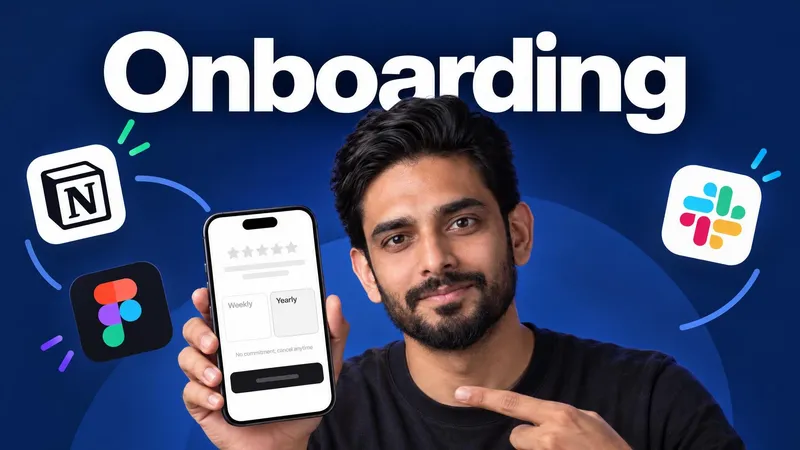
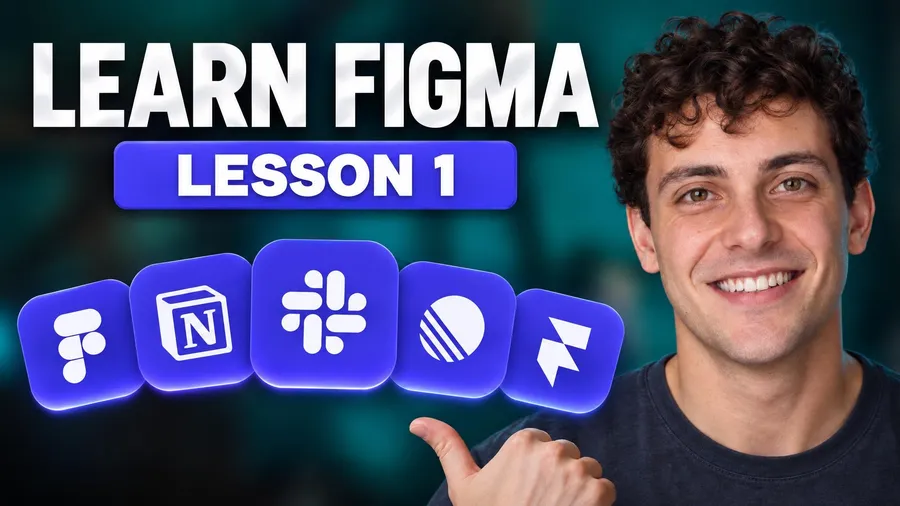
Paste a YouTube link or upload an image. WThumb reads it as a brief: the layout, hierarchy and energy carry over, and everything you name changes. A remake for your video.
Today 108 thumbnails created
Paste a link to a thumbnail you like, or describe your video. WThumb makes one for your video, with your face or without.
2 free credits (1 credit = 1 thumbnail), no card
Show it a thumbnail you like, or describe your video. Pick your face or none, type your words, and get one made for your channel.
Features
01
Paste a YouTube link or upload an image. WThumb reads it as a brief: the layout, hierarchy and energy carry over, and everything you name changes. A remake for your video.

02
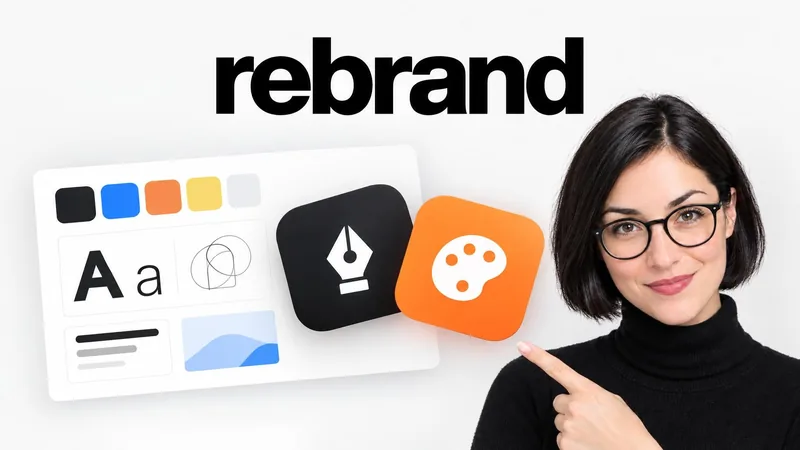
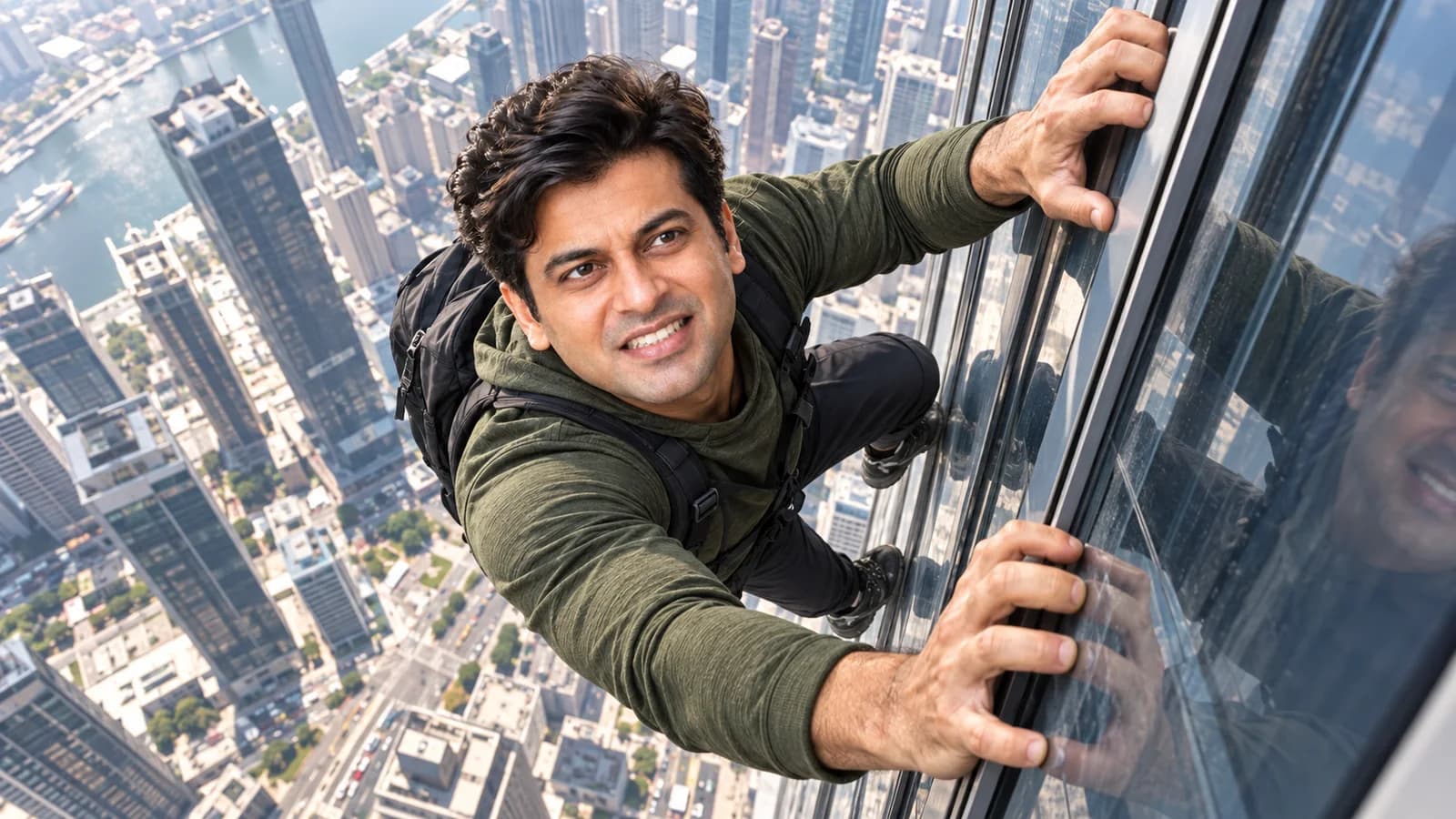
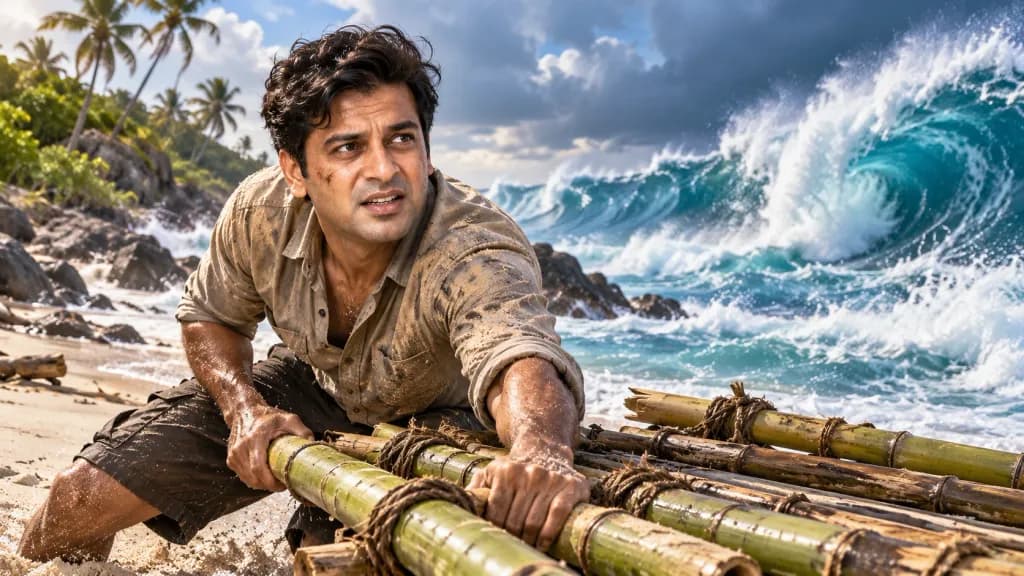
No reference in mind? Describe the thumbnail you want, with any words to put on it, and WThumb designs from your words alone.
Same brief, two ways
03
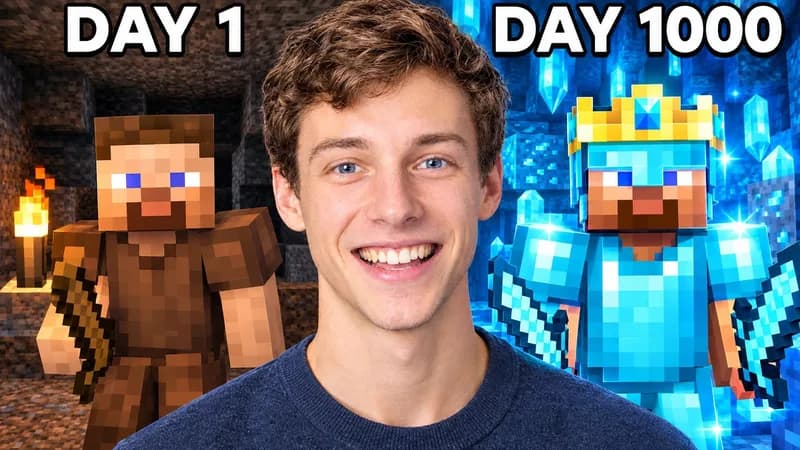
Save a persona once, your name and a few photos, and you appear in your thumbnails. Rather stay off camera? Pick faceless and the frame is rebuilt without a person.
Hover the frame
Tap the frame
04
Choose 16:9, 9:16 or both. Each version is designed for its own frame, so nothing important gets cropped away.
An example run in the WThumb Studio, all on one page: a thumbnail to recreate is added by link, a persona is picked, the words and a change are typed, Make is pressed, and the finished thumbnail appears below with Download and Edit.
05
Everything is on one page. Add a thumbnail you like by link, upload or the Library, pick your persona or Faceless, type the words for the thumbnail and anything you want changed, then press Make. No reference in mind? Switch to Prompt and describe your video.
Want it different? Press Edit under the picture and say what to change, in plain words. Each finished thumbnail or revision uses 1 credit, and every version stays in My thumbnails.
06
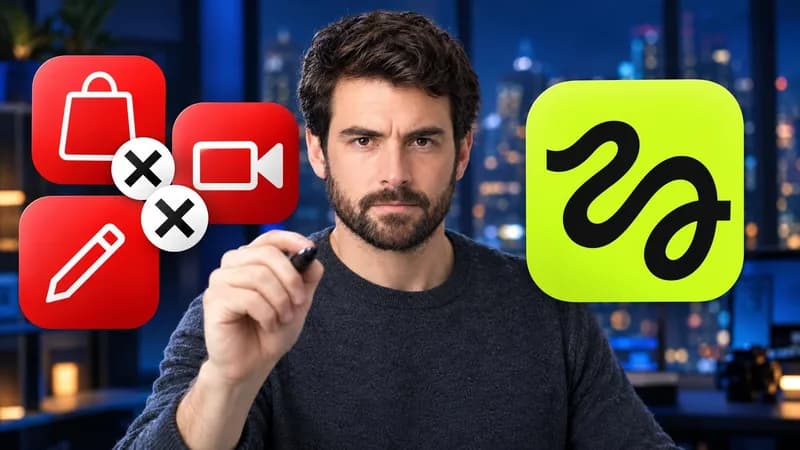
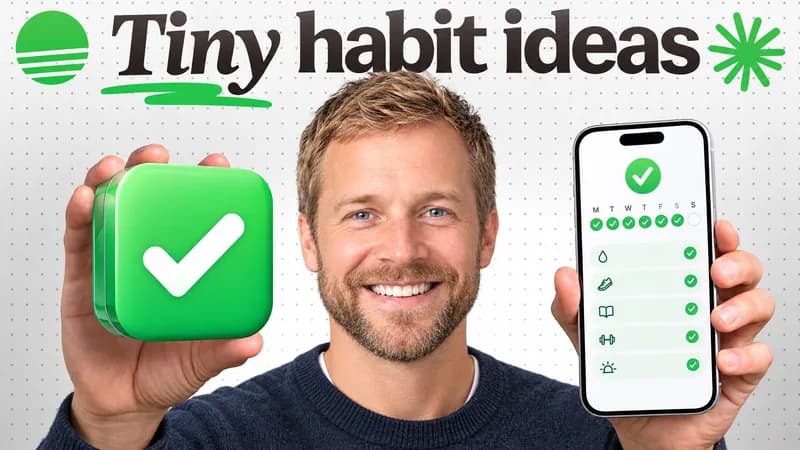
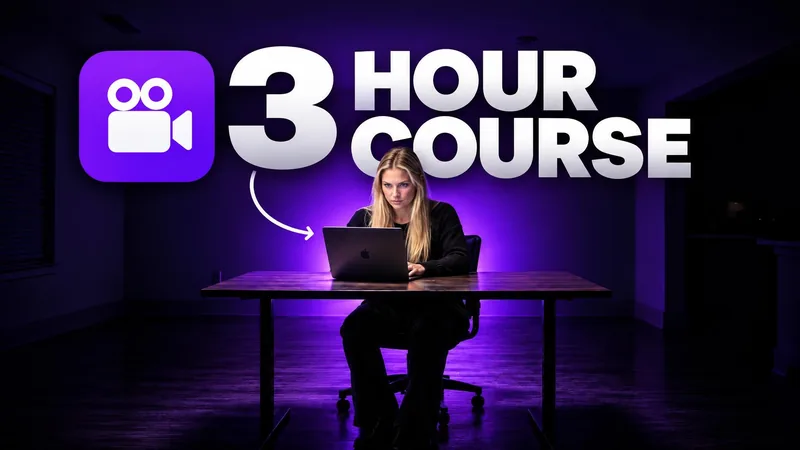
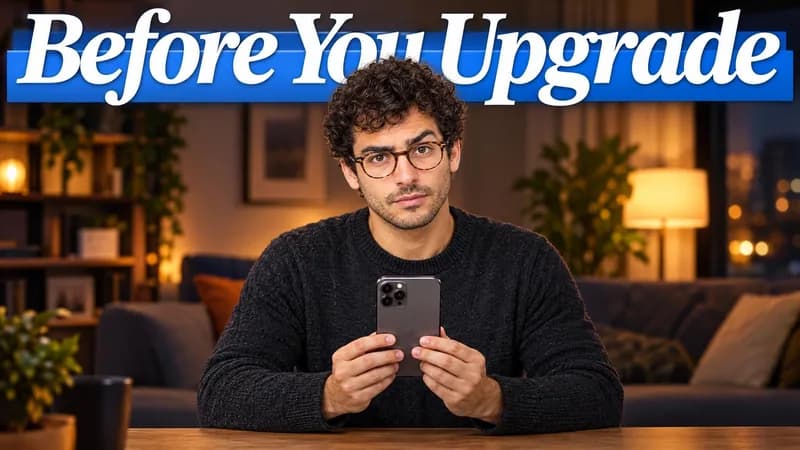
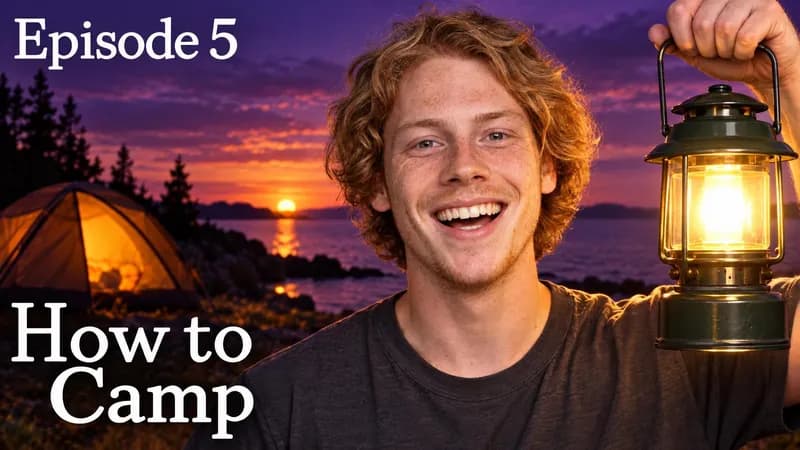
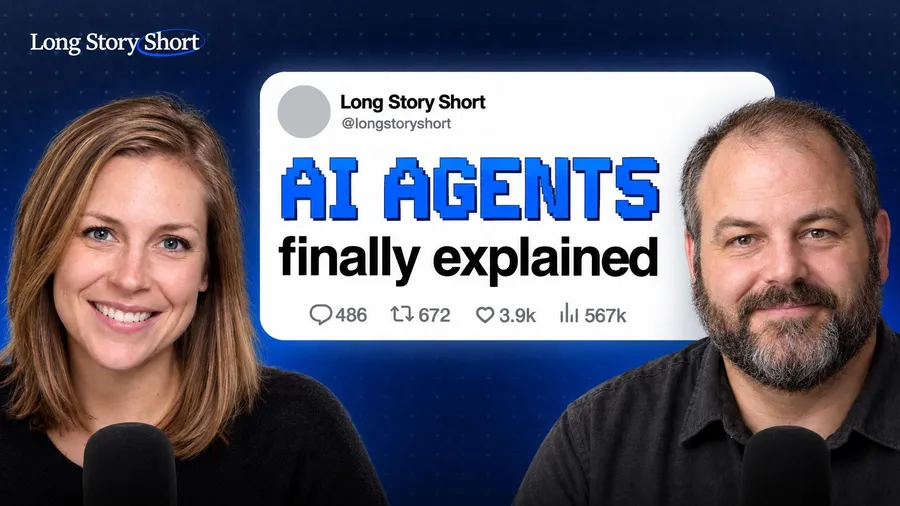
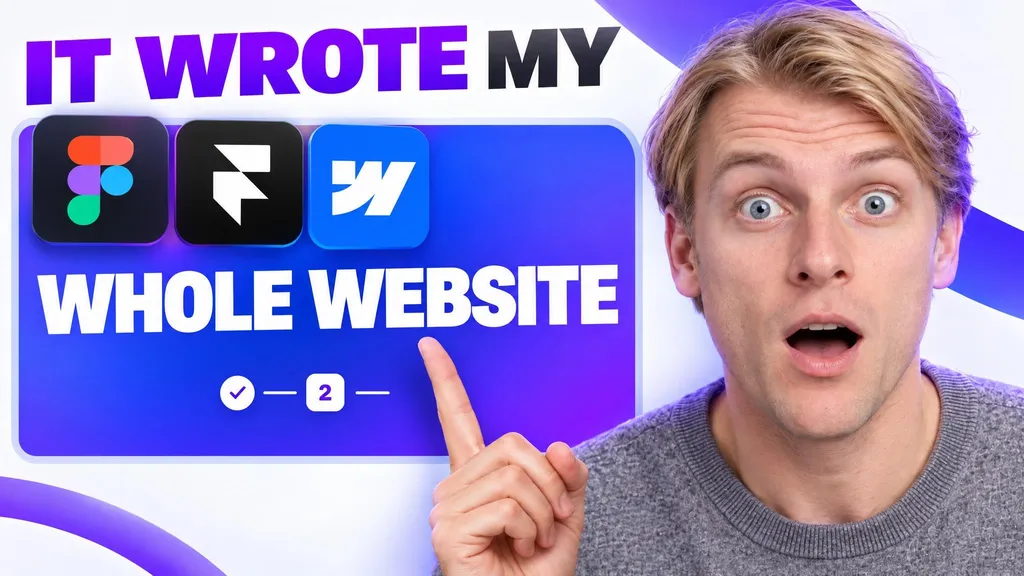
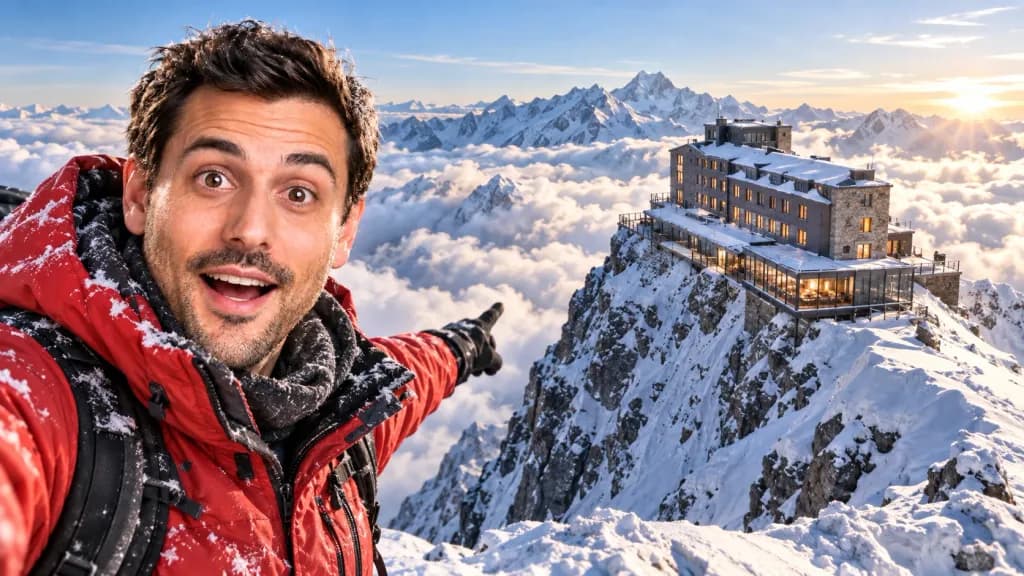
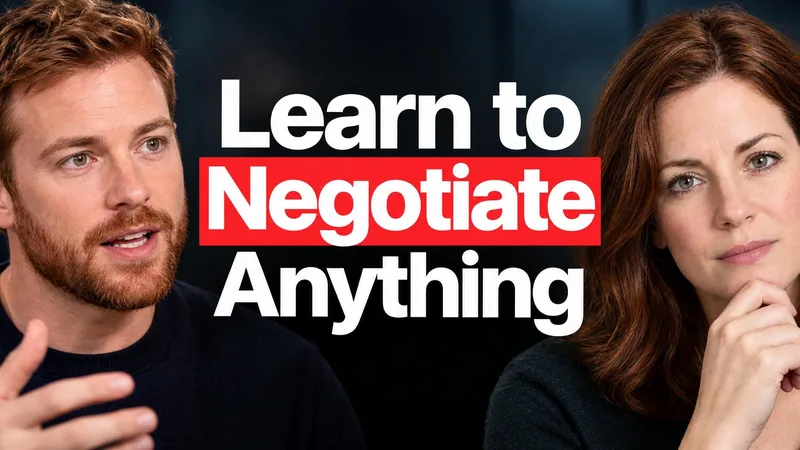
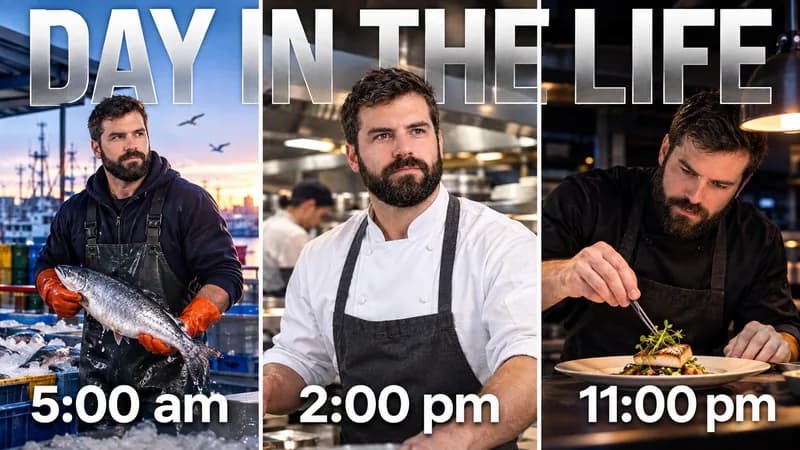
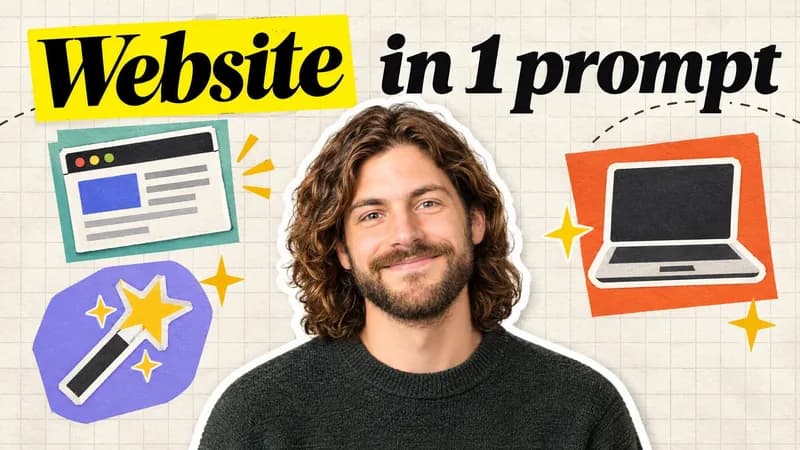
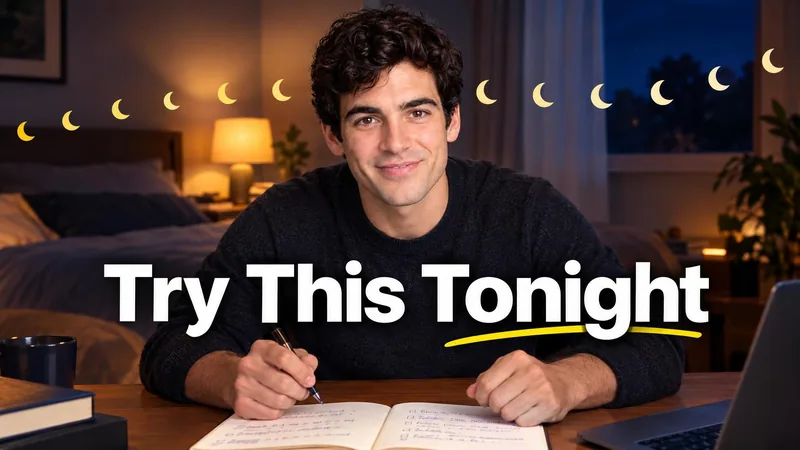
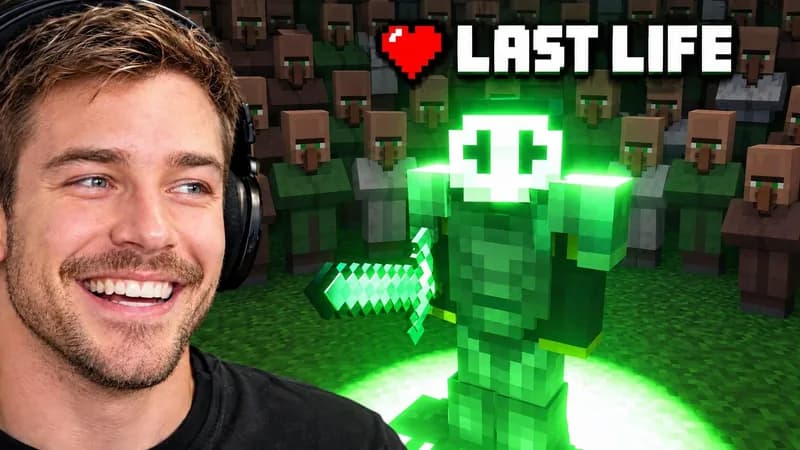
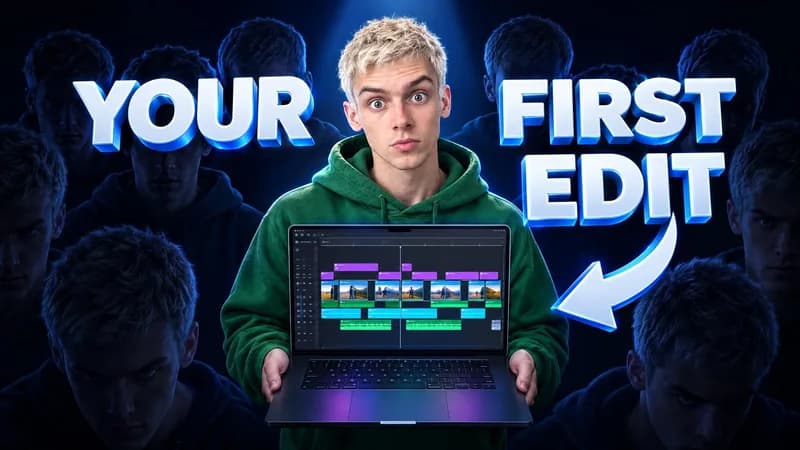
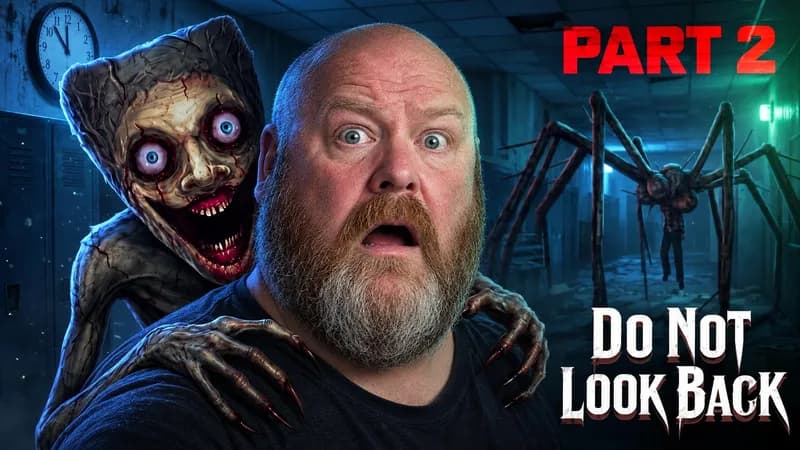
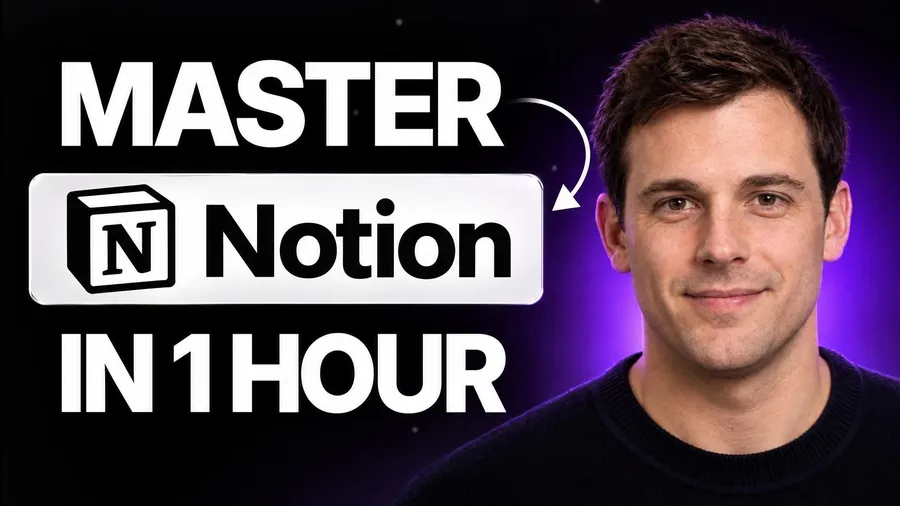
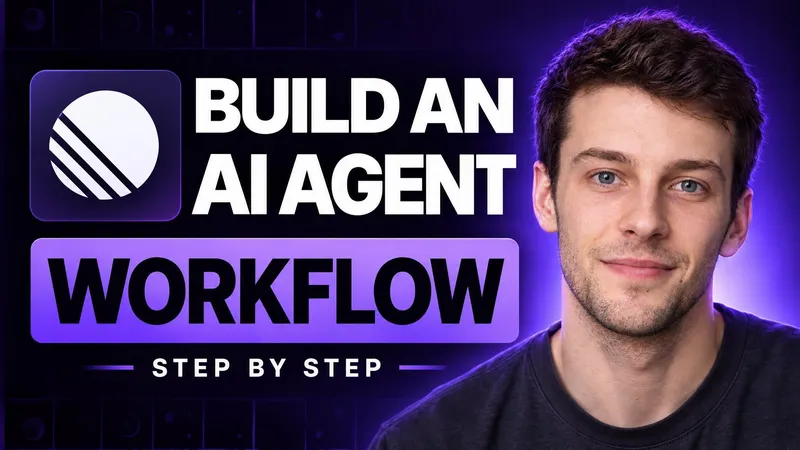
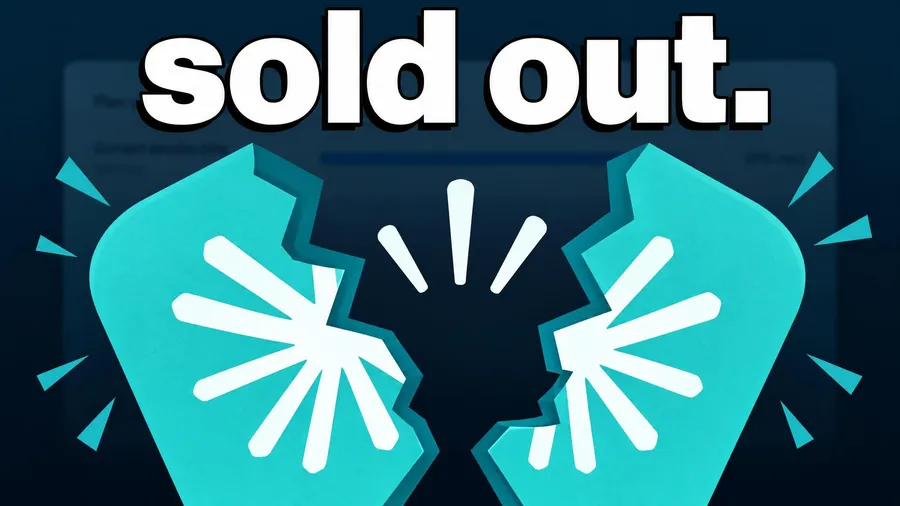
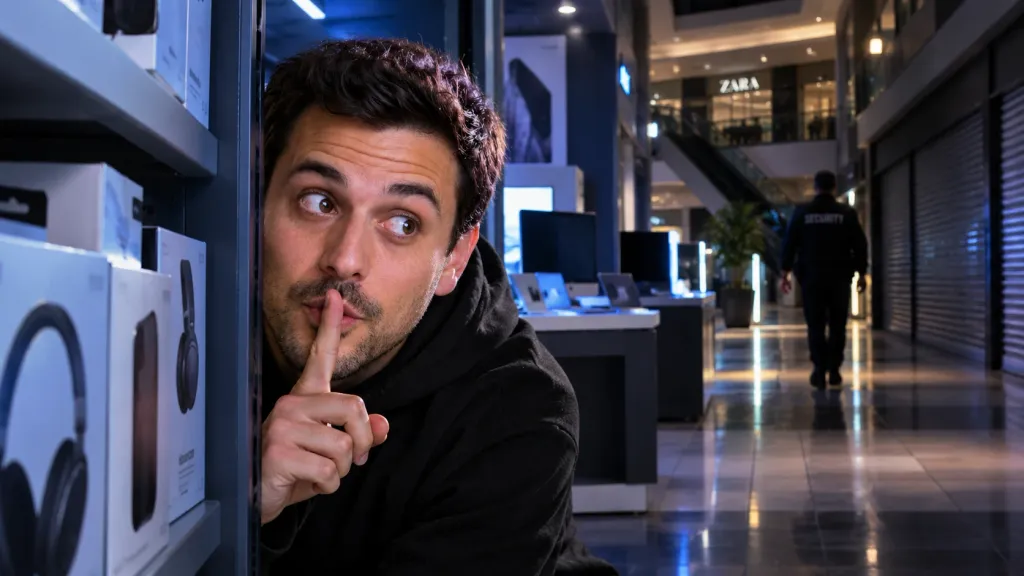
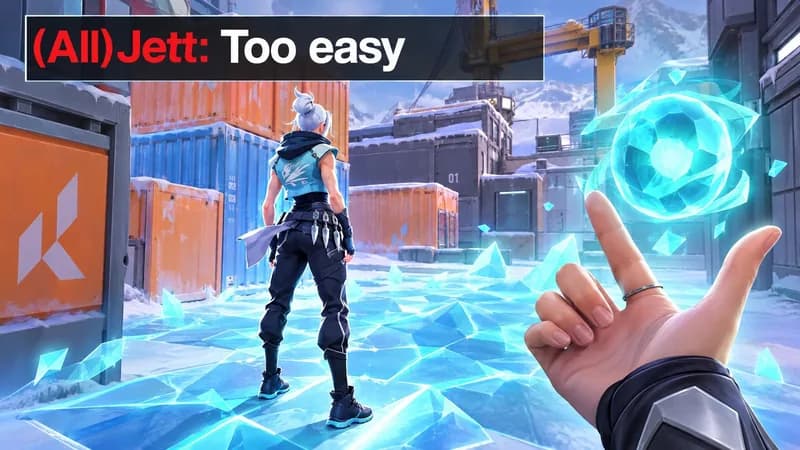
The library holds thousands of thumbnails from popular channels, each with an outlier score: how far it beat its own channel's usual views. Search it, filter by tone, topic, style, mood, object or color, then press Recreate and it becomes your brief.







Pricing
Same generator and quality on every plan. Cancel any time.
Compare plansFAQ
Open the Studio: everything is on one page. Recreate a thumbnail you like from a YouTube link or an uploaded image, or switch to Prompt and describe your video. Pick a persona or Faceless, type the words for the thumbnail, put any changes in one box, and choose 16:9, 9:16 or both. Then press Make. You only sign in at that point, with Google or email. A typical thumbnail is ready in about 30 seconds.
No. Pick Faceless instead of a persona and WThumb makes a faceless version, even if the reference had a person in it. The layout, text placement and your changes still apply.
Full HD+. A 16:9 thumbnail comes back as a 2048 × 1152 JPEG, sharper than 1080p; a Shorts thumbnail is 1152 × 2048. No watermark, no re-export: the file uploads to YouTube as it is.
Yes, in words. Press Edit under a finished thumbnail, describe the change in plain words, and WThumb reworks that picture into a new version; to change only one part, press Mark an area and mark it first, and the rest stays as it was. Each revision uses 1 credit, and you can revise the new version again as many times as you like. Every version stays in My thumbnails. There is no canvas and there are no layers.
Nothing to start: new accounts get 2 free credits, no card needed. After that, plans start at $12 a month, or $9 a month billed yearly. Every plan uses the same generator and the same quality.
Write your words in any language. Your thumbnails and uploads are private to your account.
No. There is no canvas and there are no layers. The Studio is one page: a reference or a description, your persona or Faceless, and the words, then press Make and WThumb makes the finished thumbnail. To change it, describe the change in plain words, and mark the part to change if you like.
It goes back to your balance automatically, so nothing is used. If it is unclear at first whether a thumbnail was made, WThumb holds the credit while it checks and gives it back if no thumbnail turns up within 30 minutes.
Yes, WThumb does. Save a persona once, with your name and a few photos of yourself, and WThumb puts you into the thumbnails it makes, from a reference or from a prompt. You can try it first with the sample persona, no account needed, and pick Faceless whenever you would rather stay off camera.
Yes. Beside Make you pick the format: YouTube 16:9, Shorts 9:16, or both. WThumb then designs for the frame you picked rather than cropping, so a horizontal reference can become a vertical thumbnail, or the other way around. A finished 16:9 thumbnail can also get its Shorts version later with Make the Shorts version.
Yes. Upload any image instead of pasting a link. You can also add extra images you want placed in the thumbnail, like a product or a logo.
A clear, well-lit photo of your face, ideally looking at the camera. Studio shots and phone selfies both work.
WThumb is short for Winning Thumbnail. The W stands for winning, and Thumb comes from thumbnail. Every video deserves a thumbnail built to win the click.
Paste a link you like, or describe it. The Studio takes it from there.
2 free credits, no card


